Call us: 1-888-347-5462| Contacts | Sitemap | Pressroom
Home / Products / Business / Drive Copy Professional / Overview
Subscribe to news & special offers:
 
More info
“Works with Windows Vista“ logo.
 

Drive Copy 8.5 Professional

Every minute of downtime can cost you in lost opportunities, customer loyalty and loss of revenue. Drive Copy Professional has been developed especially for the computer technician, system integrator and the system administrator. Quickly and easily migrate your corporate data and applications online, copy drives on multiple systems or perform disk to disk backups that you can boot from right away!

Drive Copy Professional allows you to:

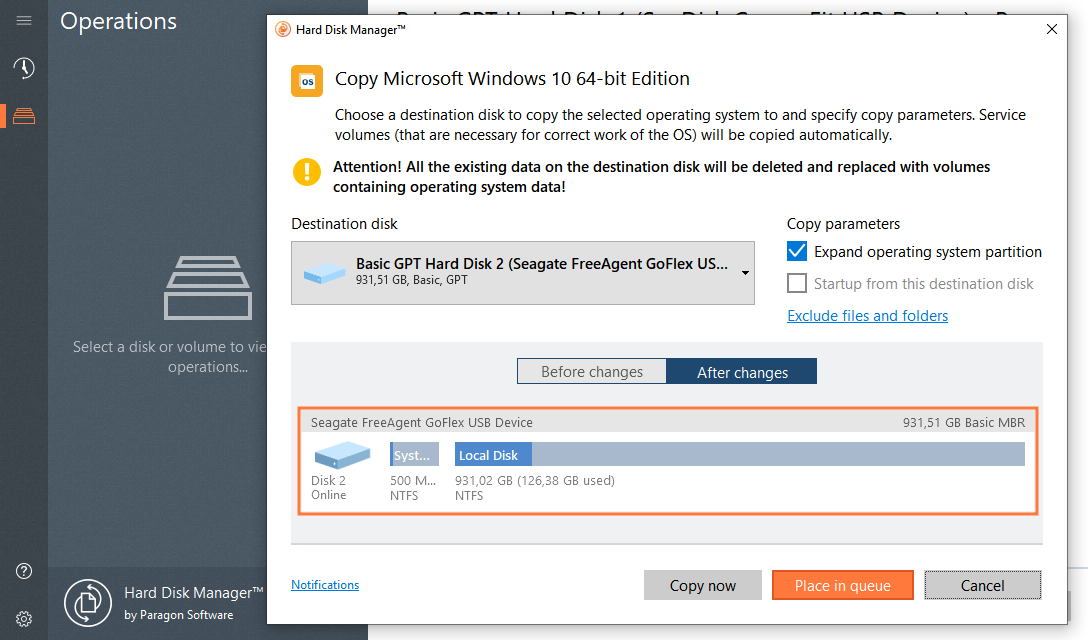
  • Create a copy of running operating system or individual partitions to a new drive without interrupting it.
  • Create a quick disk-to-disk backup copy of your hard drive.
  • Make the new drive bootable in the event of your hard drive fail.
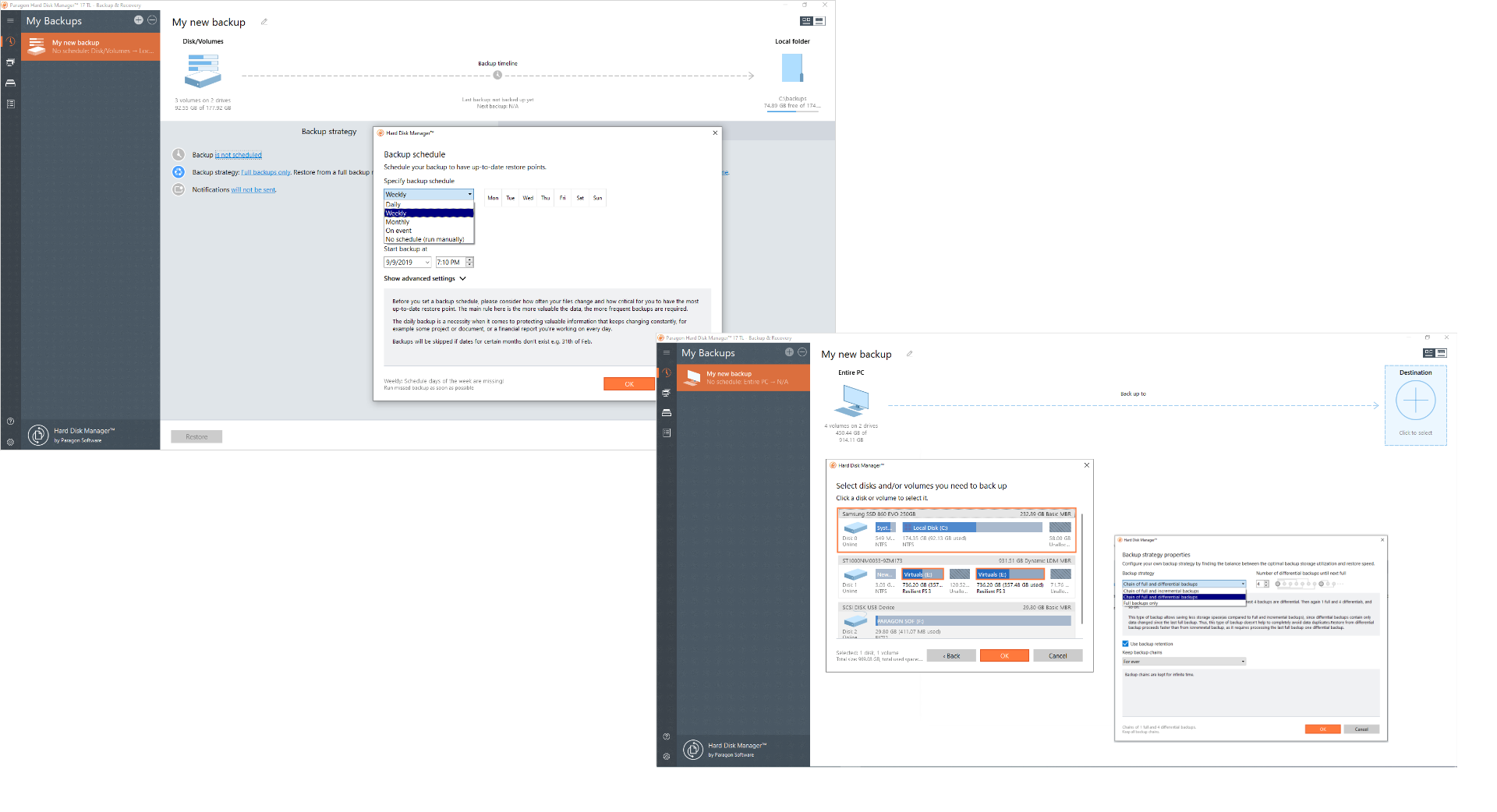
  • Schedule drive copy or partition copy operations so that you have a backup copy at any desired time.
  • Automatically locate and restore accidentally deleted partitions.
  • Perform basic hard disk partitioning operations.
 

Key Features and Benefits of Drive Copy Professional:

Features Benefits
Copy Hard Disk Wizard Copy the entire hard drive. Choose the drive to copy, set the copying options and the entire drive will be copied to the specified target drive.
Copy Partition Wizard Copy individual hard drive partition. With a few mouse clicks you can easily copy entire partitions to the target hard drive.
Undelete Partition Wizard Restore your data easily with Drive Copy's Undelete Partition Wizard if you have accidentally deleted one of your hard disk partitions during system optimization or new hard disk deployment.
One Button Copy Wizard Copy your hard drive automatically with just one mouse click. Drive Copy automatically selects the first drive with data and the first empty drive and then performs the copy. Nothing could be easier!
Hot Copy® technology Migrate all your data and applications online without significant performance delays.
Drive Copy CD With the Unpack&Burn Wizard, you can easily create a bootable CD or DVD with a fully functional version of Drive Copy available. Using the Drive Copy CD you don't have to install Drive Copy to clone your disk. In fact, the Drive Copy CD can also be used to perform disk copy operations on unbootable computers.